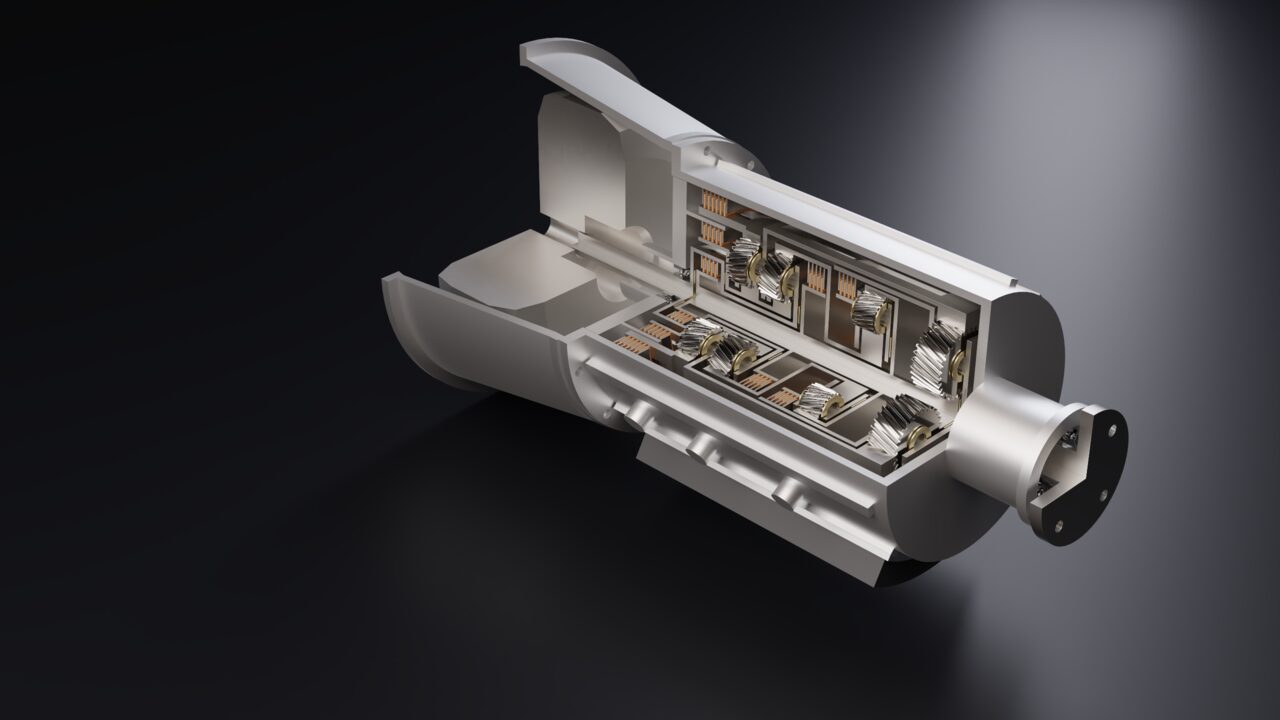
Exact curves, not chords
Conics are exact rational Béziers, a 3D curve offset is a true offset curve (r=40 offset by 5 gives exactly r=45), and a sketch arc stays a true circular edge all the way into the surface.

Surface Design
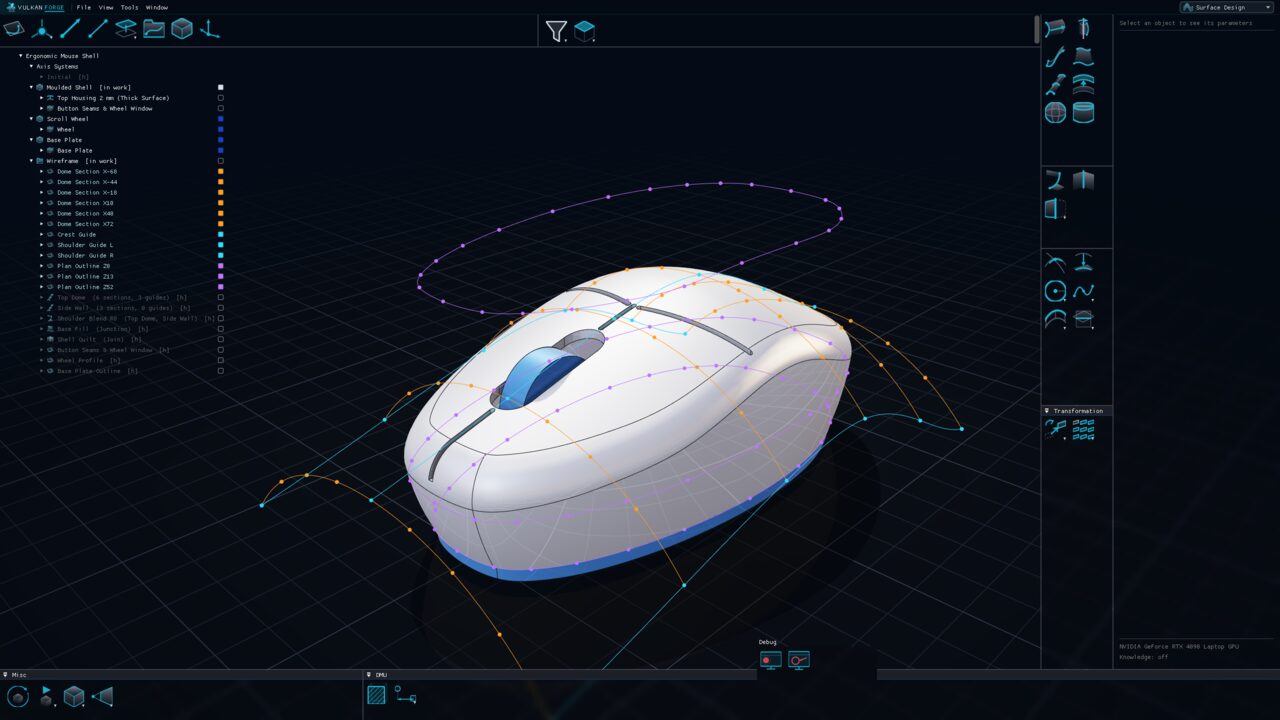
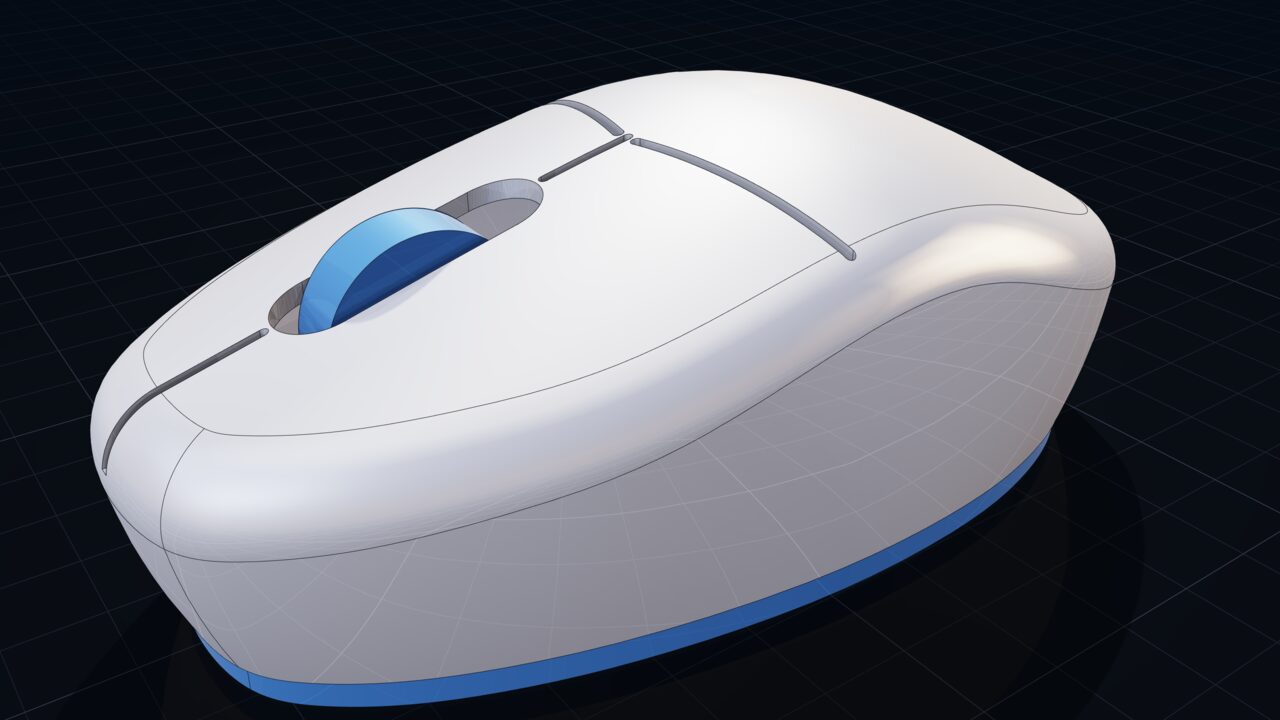
Build class-A-style shapes from exact 3D curves and surfaces: extrudes, revolves, sweeps, fills and multi-section lofts, reworked with split, trim, join, healing and rolling-ball fillets. Curves and surfaces stay mathematically exact; nothing is baked into a tessellated approximation.
Why it matters
Conics are exact rational Béziers, a 3D curve offset is a true offset curve (r=40 offset by 5 gives exactly r=45), and a sketch arc stays a true circular edge all the way into the surface.
Multi-Sections Surface lofts through two or more sections picked in the tree or the view, follows one guide or a whole curve network, with drag-reorderable lists and draggable closing points.
A bitangent fillet between two supports where you click the half of each support to keep, with minimum or maximum extremities.
When a surface operation consumes other surfaces, the inputs are hidden automatically so only the result is shown — a setting turns this off.
Operations
The complete inventory, toolbox by toolbox, with the icons exactly as they appear in the application.
 ExtrudeExtrude a profile into a surface
 RevolveRevolve a profile into a surface; angles may be negative
 SweepSweep a section along a path, with an optional spine
 JunctionFill surface bounded by curves, with guides and per-boundary tangency
 Multi-Sections SurfaceLoft a smooth surface through 2+ sections, optionally along guide curves
 OffsetSurface at a constant distance from another; one or both sides
 SpherePrimitive spherical surface about a centre
 CylinderPrimitive cylindrical surface about any direction reference
 Shape FilletRolling-ball fillet between two supports; click the halves to keep
 JoinMerge surfaces into one sewn shell or curves into one wire, with checks
 SplitCut an element by another and keep the marked side
 TrimMutually trim two elements, keeping the marked sides
 BoundaryThe boundary curve of a surface
 ExtractPull a face or edge out as its own element
 NearOf a multi-piece result, the piece nearest a reference
 ExtrapolateExtend a surface or curve past its boundary by a length
 HealingClose gaps and fix tolerances in a shell
 UntrimRestore a trimmed face to its full underlying surface
 Invert OrientationReverse an element's orientation
 DisassembleBreak a multi-piece element into independent, associative pieces
 Translate/RotateTransformed copy of a surface or curve, driven by the manipulator
 MirrorReflected copy sewn together with the original
 SymmetryReflected copy only
 AffinityScale by three independent ratios along an axis system
 Axis to AxisMap an element from a source axis system onto a target one
 Rectangular Pattern
 Circular Pattern
 User Pattern
 CombineCombined curve from two curves, normal or along directions
 ProjectionProject an element onto a support, normal or along a direction
 CircleExact circle or arc in a support plane
 ConicExact ellipse, parabola or hyperbola arc through its endpoints
 HelixAxis, radius, pitch and height
 SpiralPlanar spiral by start/end radius and turns
 SplineThrough points, with per-point tangency and tension
 PolylineChain through ordered points
 SpineCurve perpendicular to a set of planes — a sweep's spine
 3D Curve OffsetExact offset of a curve about a reference direction
 Parallel CurveCurve offset within its support surface or plane
 Smooth CurveTangent-continuous B-spline within a stated tolerance
 IntersectionThe curve where two elements cross
 CornerFillet arc between two curves in a plane
 Connect CurveSmooth curve joining the ends of two curves
curve.from_equationIn use