Instances stay live
An instance is a live reference to its source part: editing the part, in its own window or on disk, flows into the assembly. Edit In Place opens the part with the product drawn around it as context.

Assembly
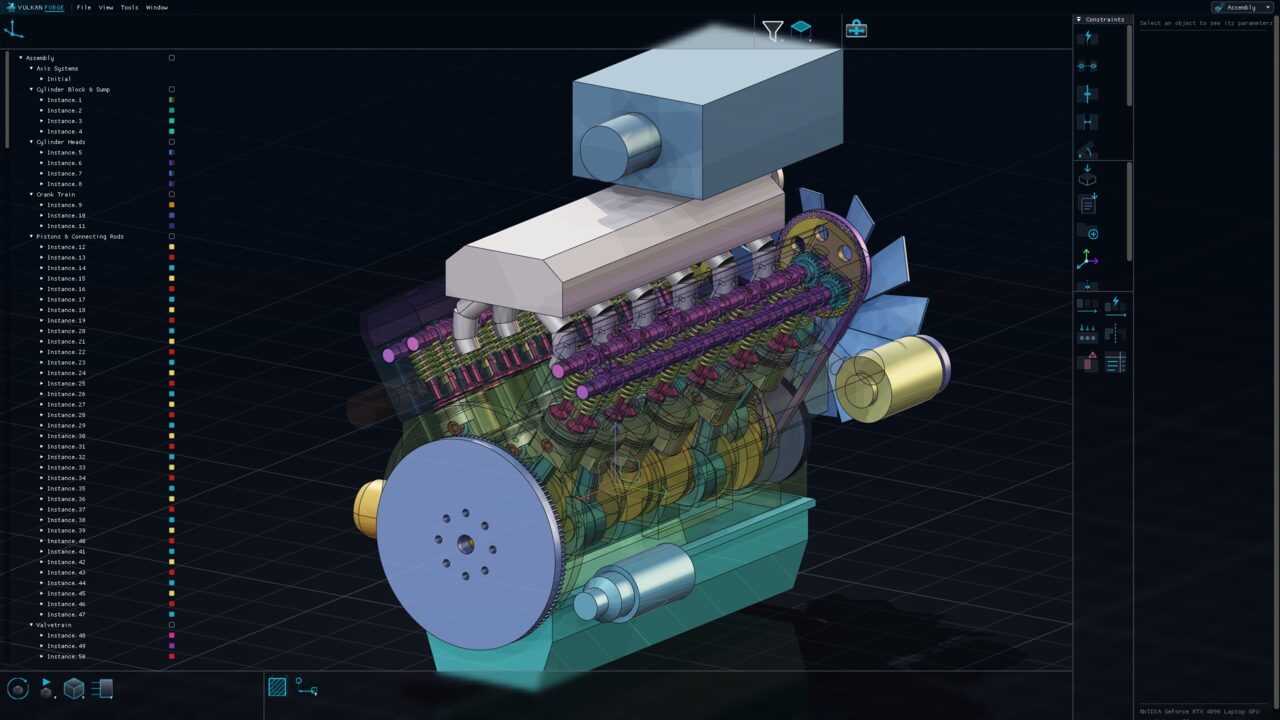
Place parts as live instances inside nestable groups — edit the part and every instance follows. Position them by manipulation, snapping or persistent constraints, replicate them, and check the product with exact clash analysis and a bill of material.
Why it matters
An instance is a live reference to its source part: editing the part, in its own window or on disk, flows into the assembly. Edit In Place opens the part with the product drawn around it as context.
Coincidence, contact, offset, angle, fix and fix-together are persistent mates whose values are real parameters, re-solved live, on change or on demand, with broken and over-constrained mates reported.
Snap and Multisnap move a part onto its target with a minimal-disturbance solve, so it moves the least amount needed.
Clash runs an exact B-rep interference and clearance analysis on request and highlights both parts of each result row.
Operations
The complete inventory, toolbox by toolbox, with the icons exactly as they appear in the application.
 Import PartPlace a part or sub-assembly from disk as an instance
 Import Open FilePlace an already-open document as an instance
 Insert GroupNew nestable assembly group
 ManipulateDrag an instance or group with the translate/rotate manipulator
 SnapMove a part onto a target with the least movement
 MultisnapAccumulate several feature-to-target mates on one part
 Coincidence
 Contact
 OffsetValue entered or measured from the current placement
 AngleAngle with sector choice, or measured
 Fix
Fix Fix Together
 Quick ConstraintCreates the first applicable of contact, coincidence, offset, angle, parallel
 UpdateRe-solve and report broken, unresolved or over-constrained mates
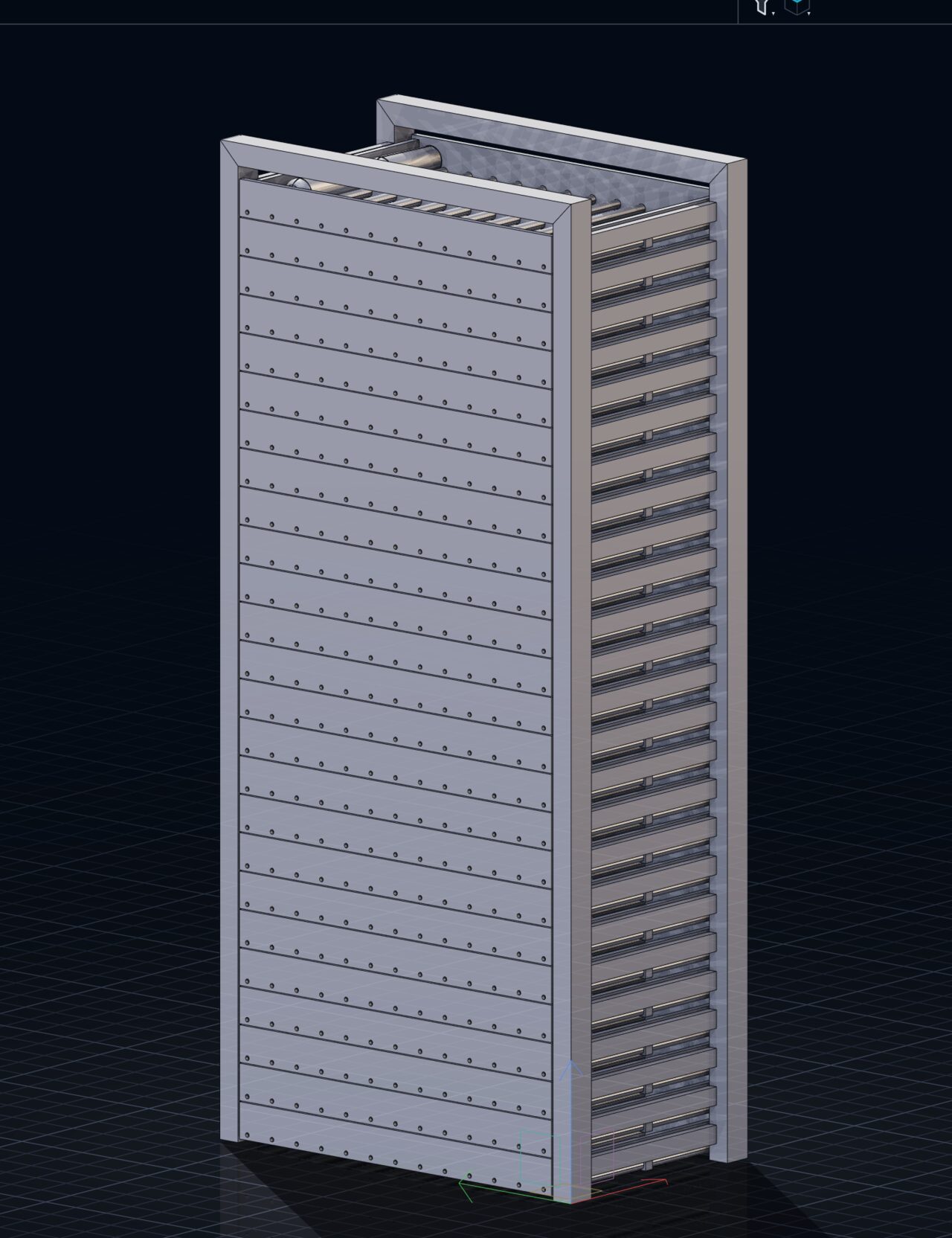
 Multi InstantiationRepeat an instance by direction, spacing and count
 Fast Multi InstantiationRepeat the last multi-instantiation definition
 Reuse PatternPlace instances on a pattern defined in the source part
 SymmetryMirror an instance about a plane
 ClashExact B-rep interference and clearance analysis, on demand
 Bill of MaterialQuantity per source part
 Movement LockConfine manual moves to the freedoms constraints and joints leave
In use
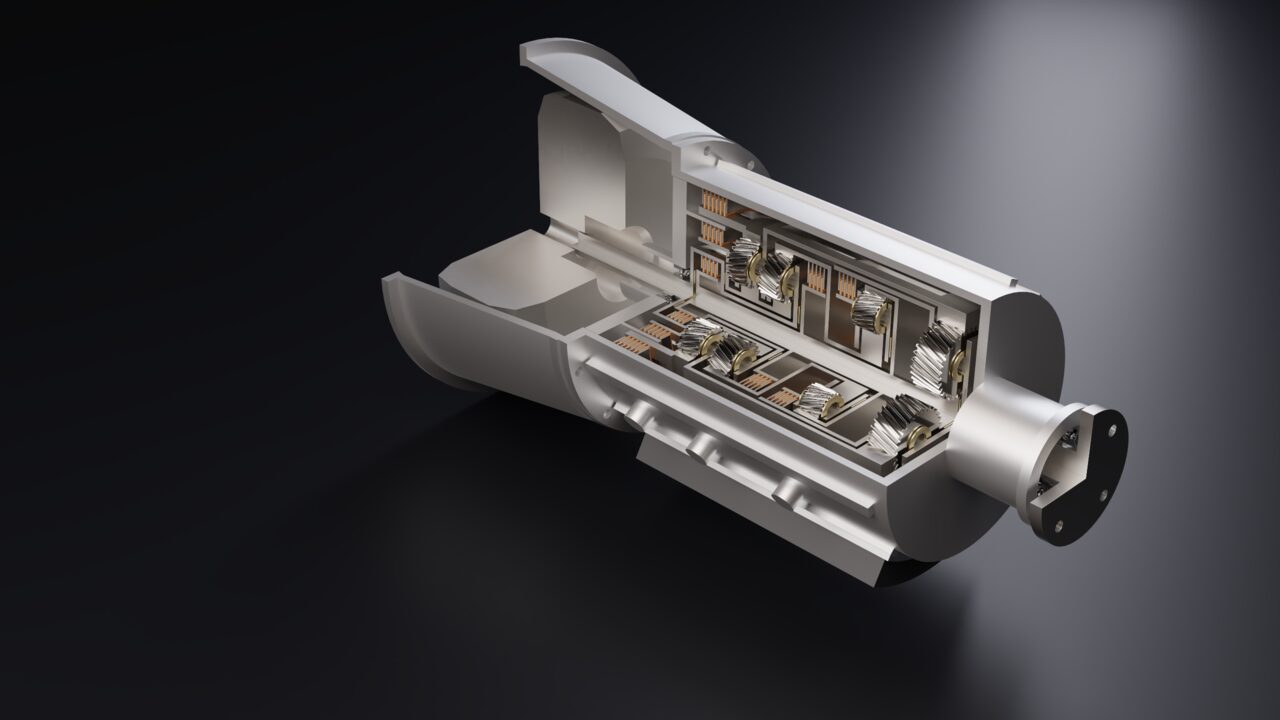
Transmission
A cutaway 8-speed automatic transmission with four helical planetary sets and five shift elements, every tooth an exact involute. It reproduces all nine published gear ratios and runs a 3rd-to-4th shift as a mechanism.


Engine
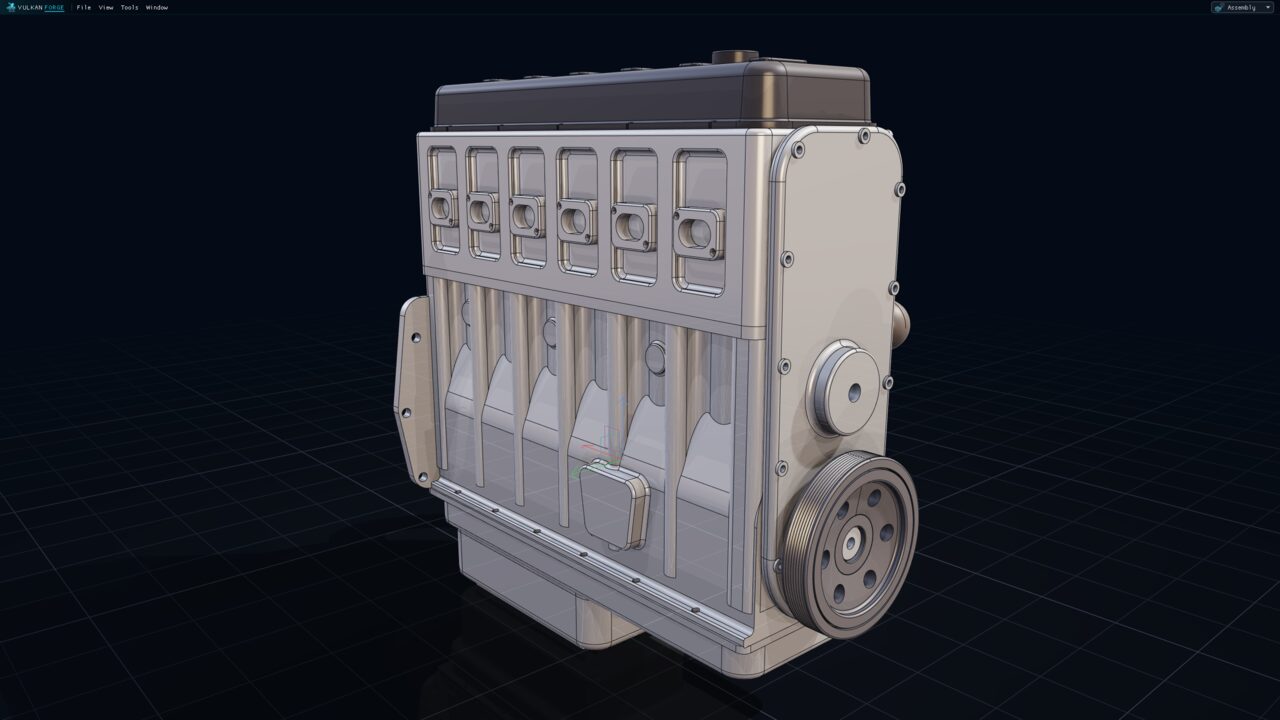
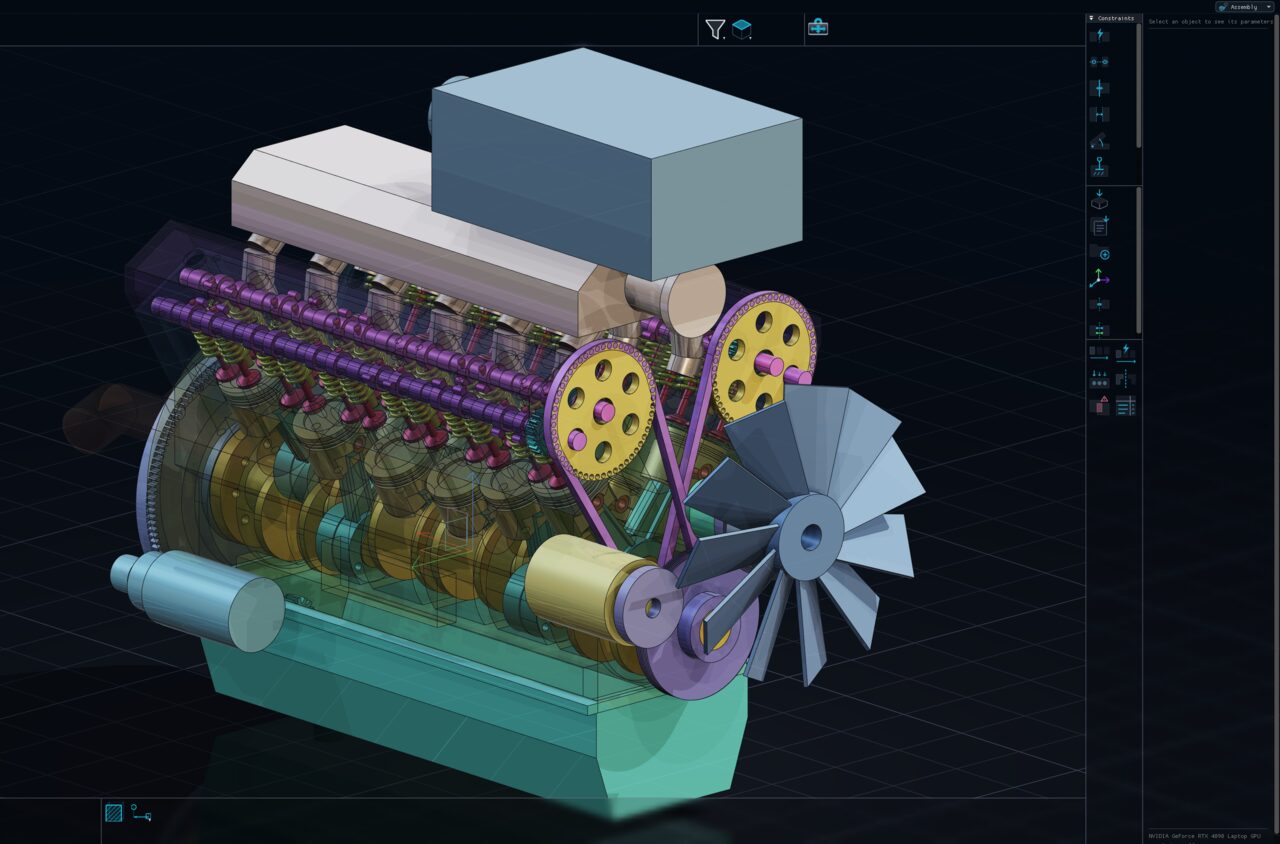
A complete 60° V12 with crank train, four camshafts, 48 valves and its accessories. One crank angle poses the whole engine.
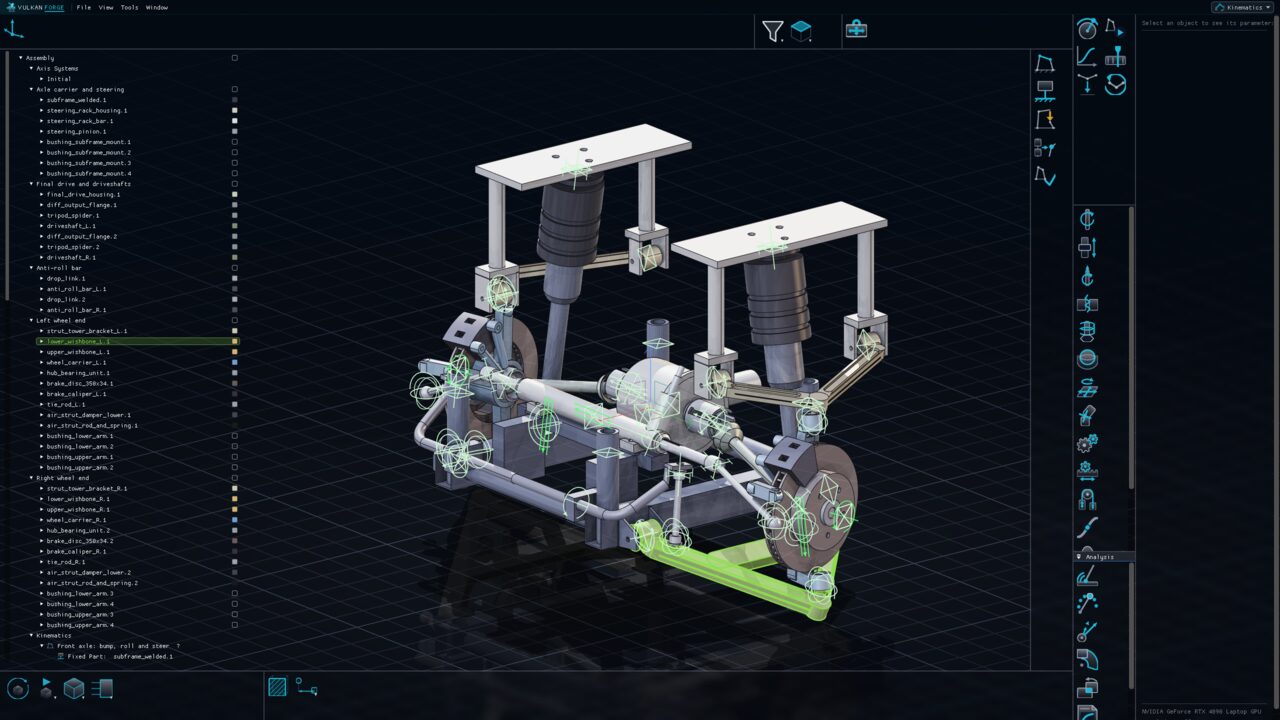
Chassis
A complete double-wishbone front axle with steering and driveline, measured over its whole travel and steering range — then rebuilt with bushing stiffnesses and tyre loads for a full kinematics-and-compliance study.