One history, any order
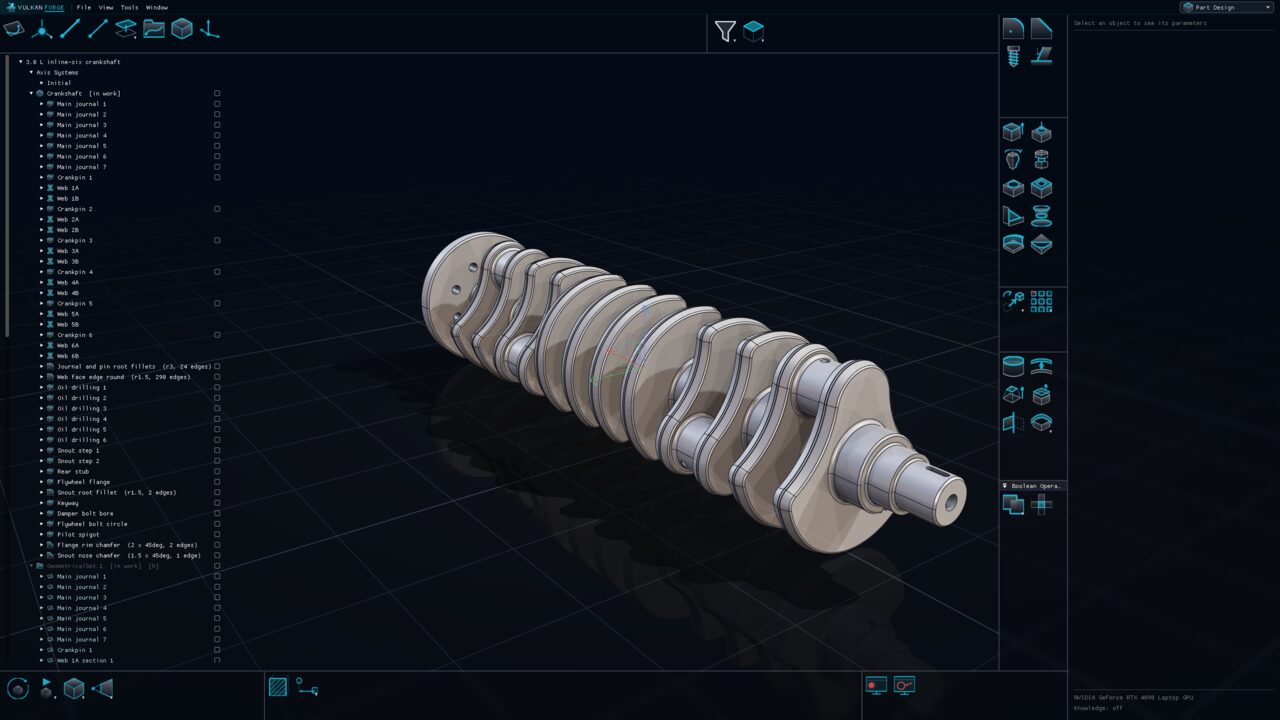
Features of a body apply in a single user-controlled order — drag a feature in the tree to reorder it. Editing a feature re-applies only it and what follows; the unchanged prefix is reused from cache.

Part Design
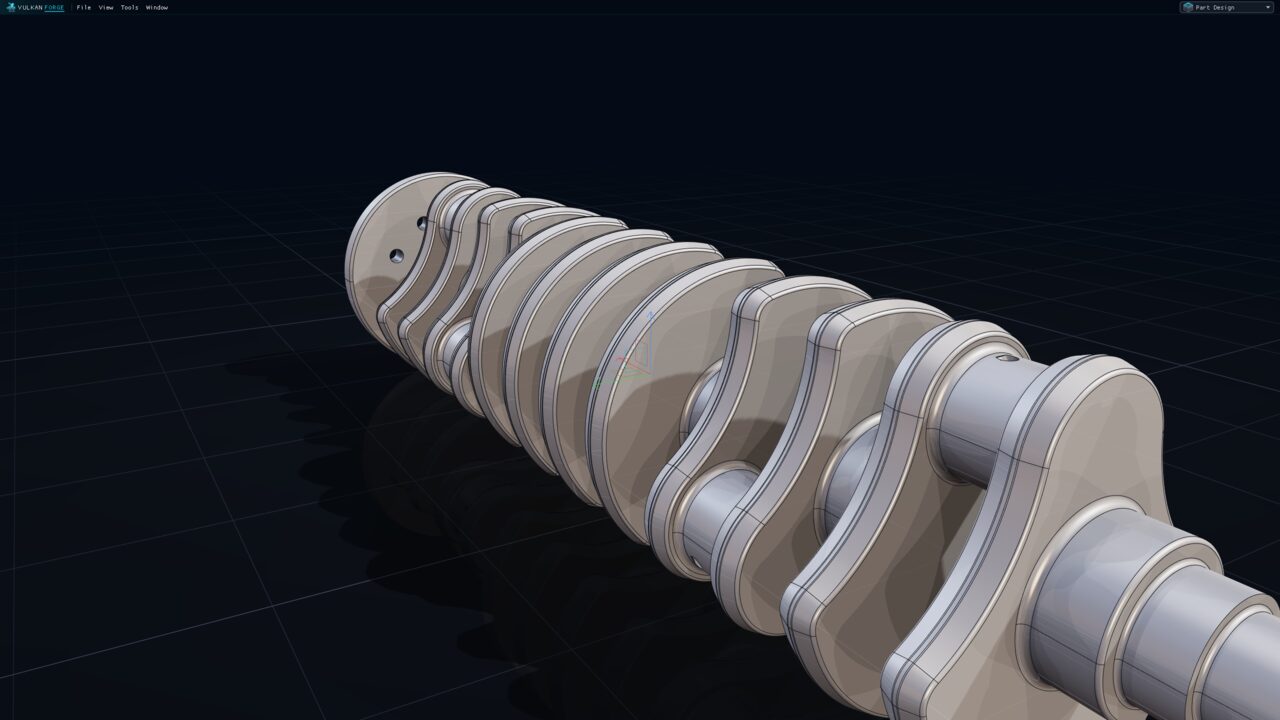
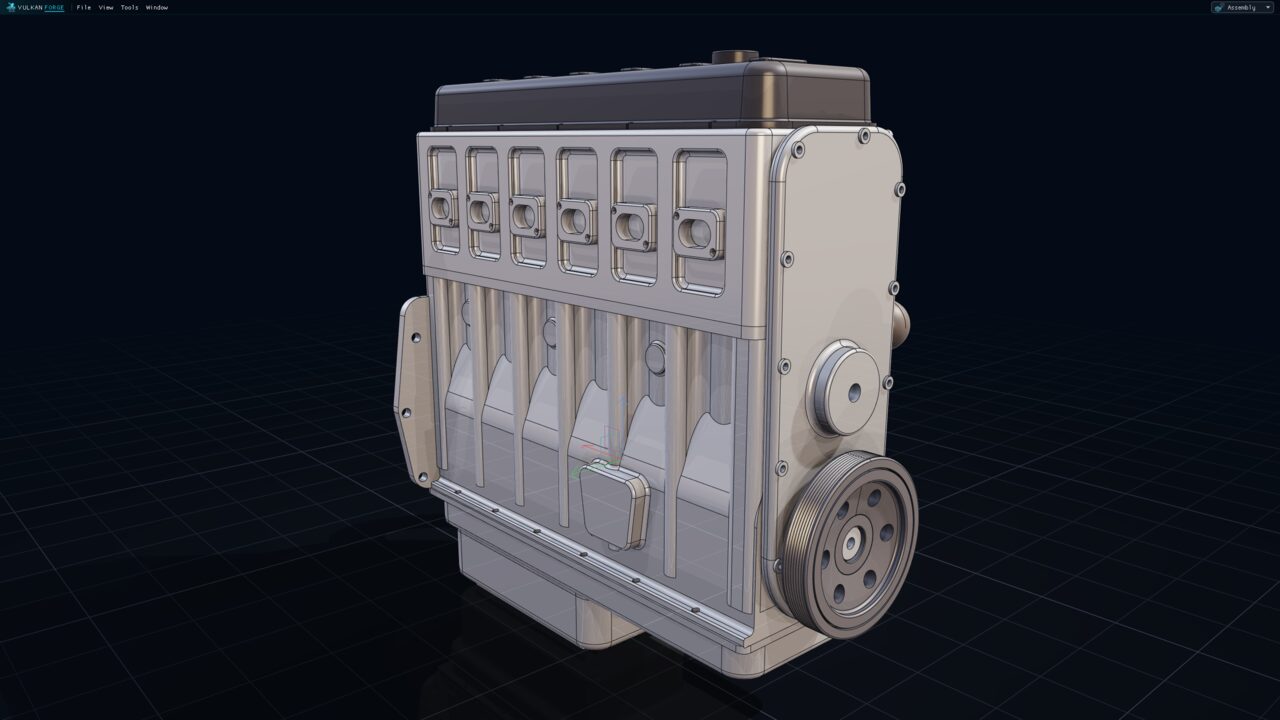
Build solid bodies from sketches and surfaces with pads, pockets, holes, sweeps, lofts, dress-up features, booleans and patterns. Every feature lives in a single per-body history you can reorder by dragging, and every dimension is a parameter you can drive from a formula.
Why it matters
Features of a body apply in a single user-controlled order — drag a feature in the tree to reorder it. Editing a feature re-applies only it and what follows; the unchanged prefix is reused from cache.
Every closed contour is extruded with nesting resolved (holes and islands), with signed limits, Up to next / last / plane / surface, per-contour lengths and a Thin wall mode.
Simple, counterbored, countersunk, counterdrilled and tapped holes; cosmetic threads with embedded DIN 13-1/-2/-3 metric sizes that can resize a hole to its tapping diameter.
Assemble, add, remove, intersect, union-trim or remove lumps between bodies as ordinary history features — optionally consuming the tool body only as a reference so it stays editable.
Lengths, depths, thicknesses and angles are driven by one shared on-model manipulator that edits the same parameters as the dialog, live.
Operations
The complete inventory, toolbox by toolbox, with the icons exactly as they appear in the application.
 PadExtrude every closed contour of a sketch or a surface; signed limits, Up to, Thin
 PocketSubtractive twin of Pad; a pocket sketched on a face cuts into that solid
 ShaftRevolve a profile into material about any line, axis or plane normal
 GrooveRevolved cut: the subtractive twin of Shaft
 HoleSimple, counterbored, countersunk, counterdrilled or tapped; blind or Up to limits
 ShellHollow the solid to inside/outside wall thicknesses, leaving picked faces open
 StiffenerConstant-thickness web grown from an open profile to the material it braces
 Multi-Sections SolidLoft material through two or more closed sections, optionally along guides
 RibSweep a closed section along a centre curve and add it
 SlotSweep a closed section along a centre curve and remove it
 Edge FilletConstant-radius rounds on picked edges or rule-based edge sets
 ChamferLength/angle or two-length bevels, with orientation set per edge
 Thread/TapCosmetic thread or tap with DIN 13 metric sizes; adds no material
 Draft AngleTilt faces about a neutral plane; limiting and parting elements, both sides
 Sew SurfaceReshape the solid to follow a surface, keeping the marked side
 Remove FaceDelete faces and heal the wound by extending the neighbours (defeaturing)
 Close SurfaceCap a closed surface into the solid volume it encloses
 Thick SurfaceTurn a surface into a solid by a two-sided offset
 ThicknessOffset selected faces of the solid in or out
 SculptPush, pull, scale, slide or tilt one face; the adjacent walls follow
 SplitDivide the body by a surface or plane and keep one side
 Solid CombineThe material common to the extrusions of two profiles (side view × top view)
 AssembleUnion that honours the tool body's own add/remove intent
 AddUnion of the tool body into the in-work body
 RemoveCut the tool body out of the target
 IntersectKeep only the common volume
 Union TrimUnion, then keep picked lumps and remove or keep designated faces
 Remove LumpDiscard disconnected lumps of the body, keeping the picked ones
 Translate/RotateRigid move of the body as a history feature, driven by the manipulator
 MirrorReflect the body about a plane and keep both halves united
 SymmetryReflect the body about a plane and keep only the reflection
 Rectangular PatternRepeat a feature or the whole solid along two directions
 Circular PatternRepeat about an axis, with concentric rings and a Complete Crown mode
 User PatternOne instance per picked point or per point of a sketch
In use
Transmission
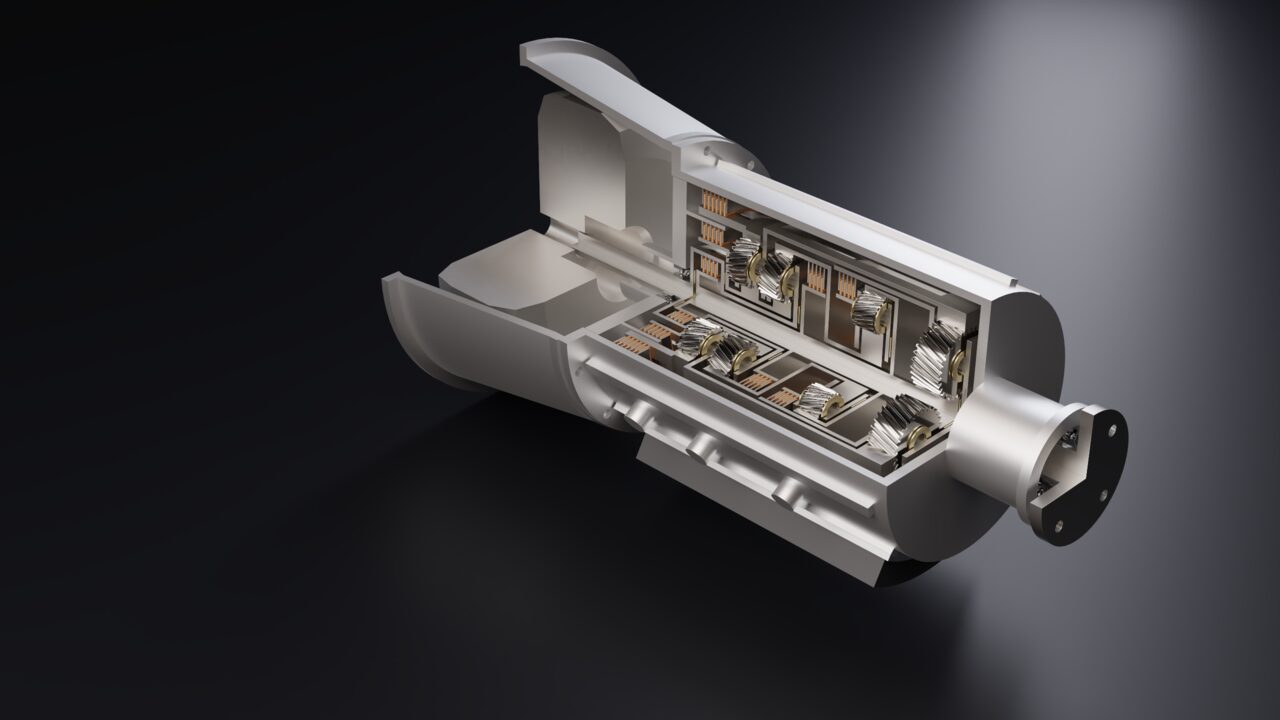
A cutaway 8-speed automatic transmission with four helical planetary sets and five shift elements, every tooth an exact involute. It reproduces all nine published gear ratios and runs a 3rd-to-4th shift as a mechanism.


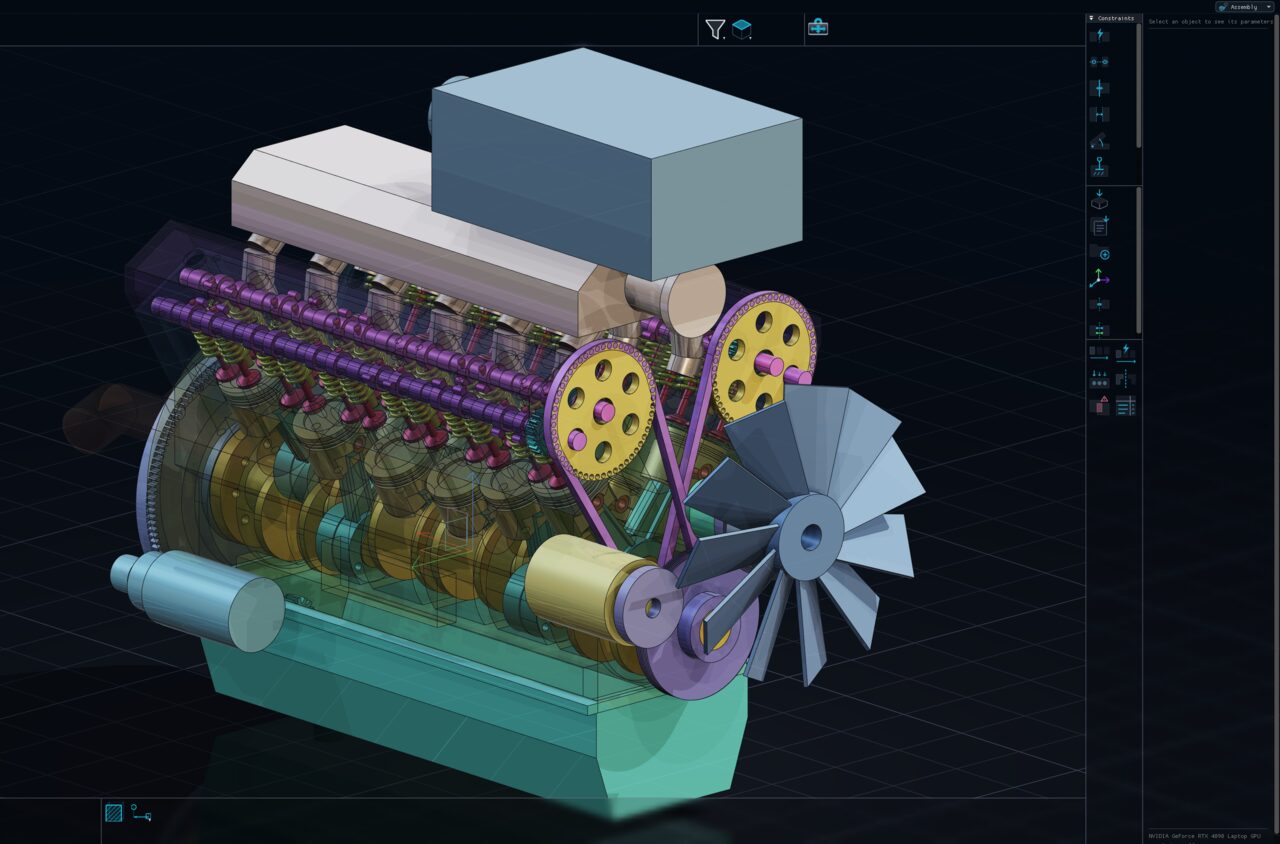
Engine
A complete 60° V12 with crank train, four camshafts, 48 valves and its accessories. One crank angle poses the whole engine.
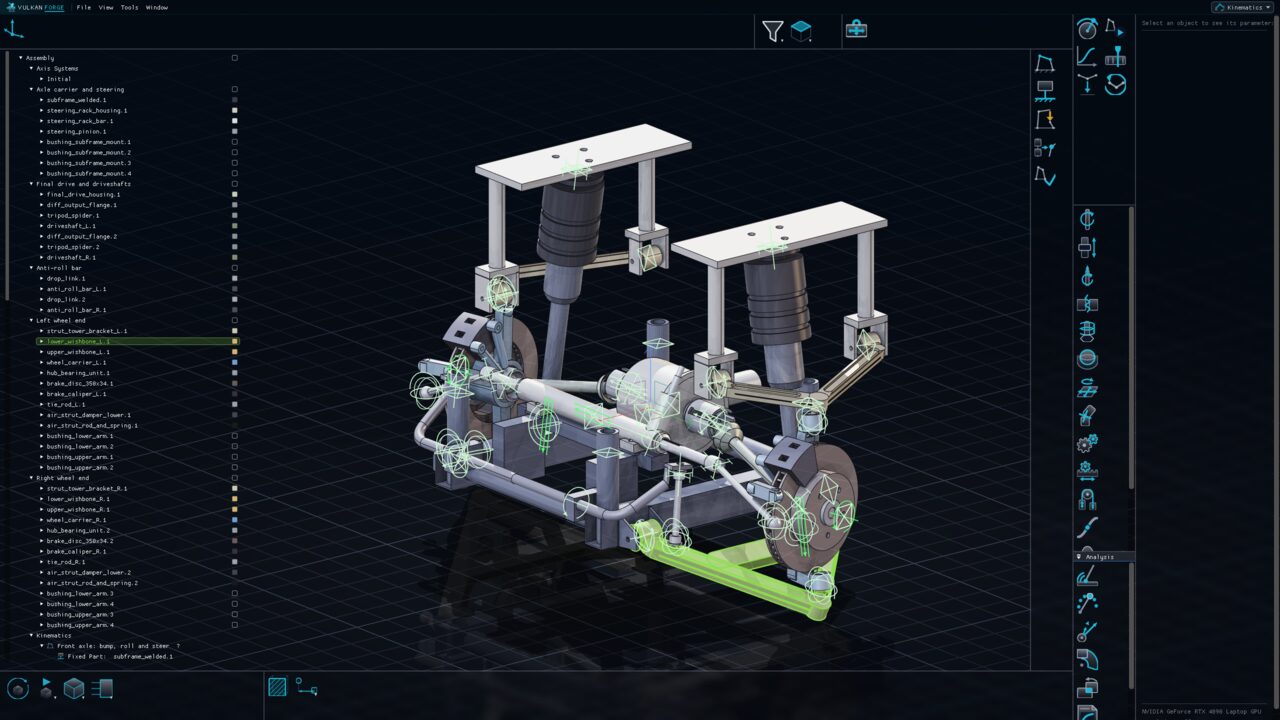
Chassis
A complete double-wishbone front axle with steering and driveline, measured over its whole travel and steering range — then rebuilt with bushing stiffnesses and tyre loads for a full kinematics-and-compliance study.